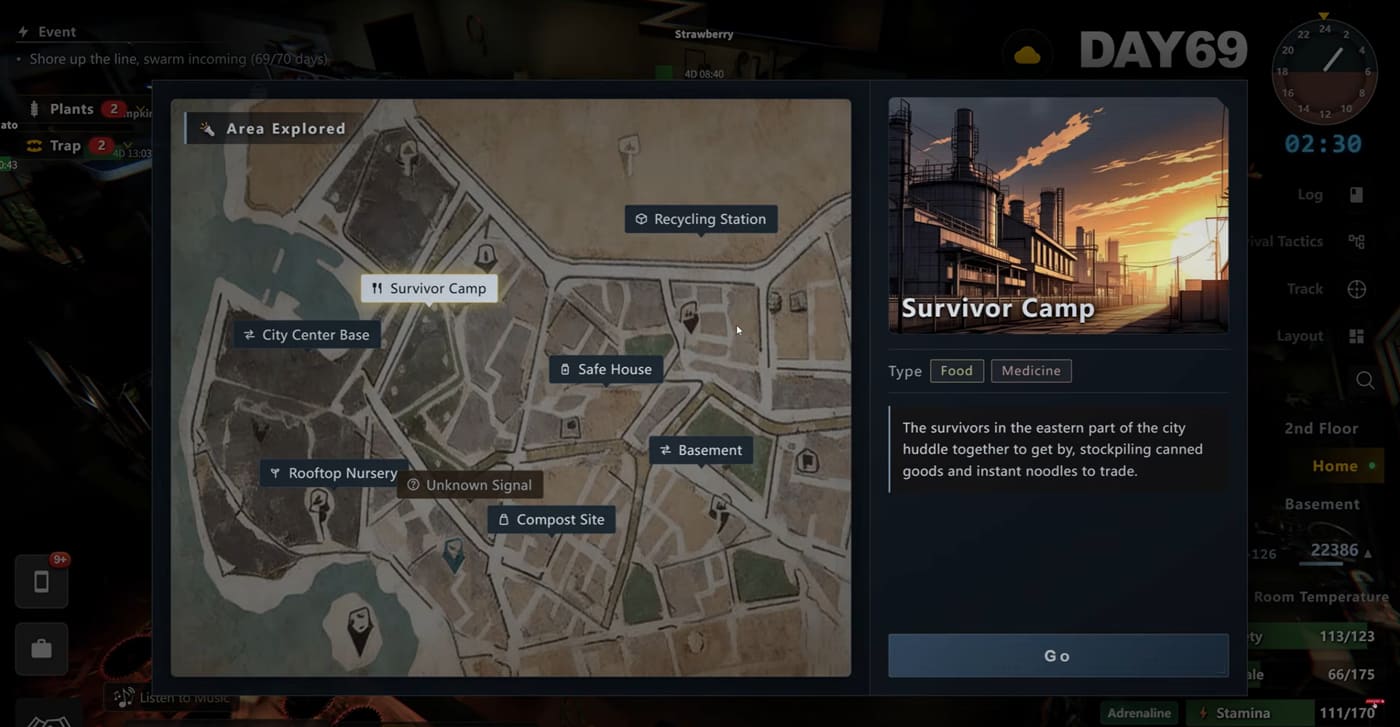
Playthrough screenshot on file for this site (late map). Prefer replacing this hero with a graphics / settings panel shot before you treat the page as “settings-verified.”
This page is troubleshooting only. It will not walk the prep buy order, the 100-day calendar, or the Warehouse Manager unlock. If the game is playable and you are just stuck on systems, go back to the hub.
Patches move menus. Date every claim you rely on, and treat anything below that we could not reproduce in-client as try-this / community-shaped, not as an official patch note.
Developer contact on the Steam store (Aug 2026): survivallog-service@lilith.com. Steam discussions also use F7 / in-client feedback for repros — send build, branch, and what you clicked last.
Before you change settings
Confirm the build
Survival Log ships a live depot and at least one preview / test beta (the Warehouse Manager unlock path already depends on that). FPS and crash reports that mix branches are noise.
- Steam library → Survival Log → Properties → Betas.
- Note whether you are on the default branch or a named preview depot.
- Fully quit the client, then relaunch from that depot after any branch switch.
If Steam renamed the beta label after your last session, look for the preview / priority test depot — do not assume the old string is still there.
Crash vs freeze vs FPS drop
| What you see | Call it | First instinct |
|---|---|---|
| Process exits to desktop / Steam | Crash | Note the last UI and branch; verify files before rewriting configs |
| Game stays open but input dies | Freeze / soft lock | Wait 30–60s once; then Alt+Tab; then force quit |
| Frames stutter but UI still responds | FPS drop | Graphics + overlays + late-wave load before “reinstall everything” |
How to file a useful report
Include: Windows build, GPU, branch name, approx in-game day / phase (prep vs holdout), and whether the issue started after a beta switch. One short clip or a single screenshot of the settings panel beats a vague “game lags.”
FPS drops
In-game graphics
Open the graphics / display options and change one control at a time:
- Drop resolution scale or overall quality one notch.
- Prefer fullscreen or borderless — pick one and stick with it while testing.
- Turn off extras you do not need for the test (motion blur, heavy post if present on your build).
We do not publish fake “best FPS” preset names. Label the menu the way your build shows it.
Windows, GPU, overlays
- Set Windows power plan to High performance while testing.
- Update the GPU driver from the vendor (clean install if the drop started after a driver bump).
- Disable Discord / GeForce / Xbox Game Bar overlays for one run. Third-party overlays are a common stutter source on long holdouts.
Late-holdout / horde load
Frame time often spikes when the map is full of props, drones, and wave pressure — that is a load problem, not proof your GPU is broken. Use the 100 days page for when those spikes tend to show up in a campaign; do not treat this page as a second calendar.
Symptom table
| Symptom | Likely cause | First fix | If still broken |
|---|---|---|---|
| Stutter only in big waves | Scene / entity load | Lower quality one step; close overlays | Cap FPS; note day + wave in a report |
| Stutter everywhere, even prep street | Driver / overlay / power plan | High performance + disable overlays | Clean GPU reinstall |
| Fine after launch, worse after hours | Thermal / background apps | Check temps; close browsers | Verify game files; restart PC once |
| Only after switching to preview beta | Wrong or half-updated depot | Reselect beta; full restart | Switch back to default to compare |
Crashes and freezes
Startup / black screen
- Verify integrity of game files in Steam.
- Confirm the beta you think you are on is actually selected.
- Run once with overlays off.
- If it only fails on preview, compare against the default branch before rewriting configs.
Mid-run soft lock
Common soft-lock surfaces called out across community threads: inventory, drone trade, and shopping / trading UI. If the HUD is frozen:
- Give the client a short wait (some UI waits on the drone).
- Alt+Tab once; return.
- Force quit only after that — then note whether the save reloads cleanly.
Do not confuse a stuck shopping cart during prep with a broken prep route. Fix the UI jam first; the buy order page is for spending priorities.
After a beta branch switch
Branch switches are how players reach Warehouse Manager and other preview content. If crashes start immediately after a depot change:
- Fully exit Steam’s game process, not just the window.
- Let the preview depot finish updating.
- Cross-check unlock steps on Warehouse Manager only if the problem is “quest missing,” not “process dies.”
Inventory / weight / shopping-cart bugs
Prep cart → trunk
During the opening countdown, items move from shops into the car trunk. If the cart or trunk UI refuses an item:
- Confirm trunk capacity (the $500 car is the usual baseline on this site’s prep page).
- Back out of the shop UI once and reopen.
- Link: 10-hour prep for what to buy — this section is only for when the UI refuses.
Stuck items / craft / full grids
- Check weight / grid fullness before assuming a craft recipe is broken.
- Drop or move one stack, then retry the craft.
- If a stack cannot leave a slot after a freeze, reload the save once before deleting anything.
Drone cargo vs freezer
The City Trading Point split (Freezer / Drone Cargo / offered goods) is documented with a playthrough shot on Warehouse Manager. Mis-clicks between those panels look like “lost items.” Open the correct panel before filing a bug.
What we will not invent
Same rule as the hub:
- No “Belief Points,” loop-3 mutation percentages, or other numbers we have not matched to the store, achievements, or a reproducible client.
- No undated “official FPS patch” claims.
- No copied Steam thread text — paraphrase the job, keep the receipt (build + date) when you publish a fix that only community reports support.
Still broken?
- Verify files → overlays off → branch confirmed → one graphics step down.
- Email
survivallog-service@lilith.comor use Steam / F7 feedback with the repro block above. - If the game runs but the plan is wrong, leave this page: prep, 100 days, survival points, or the hub.
An achievements guide is still queued after core intents — this page is for FPS, crashes, and inventory jams only.